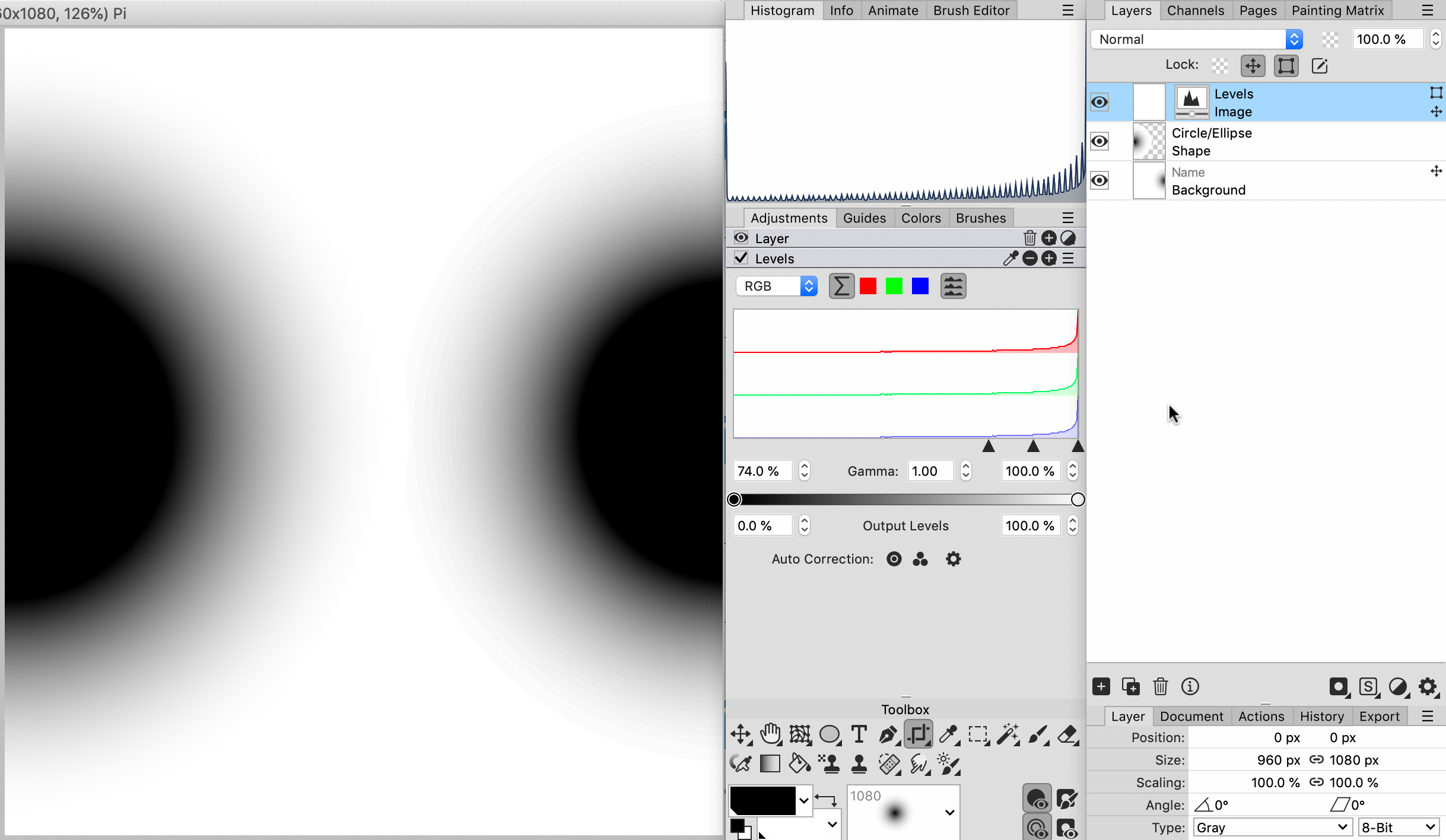
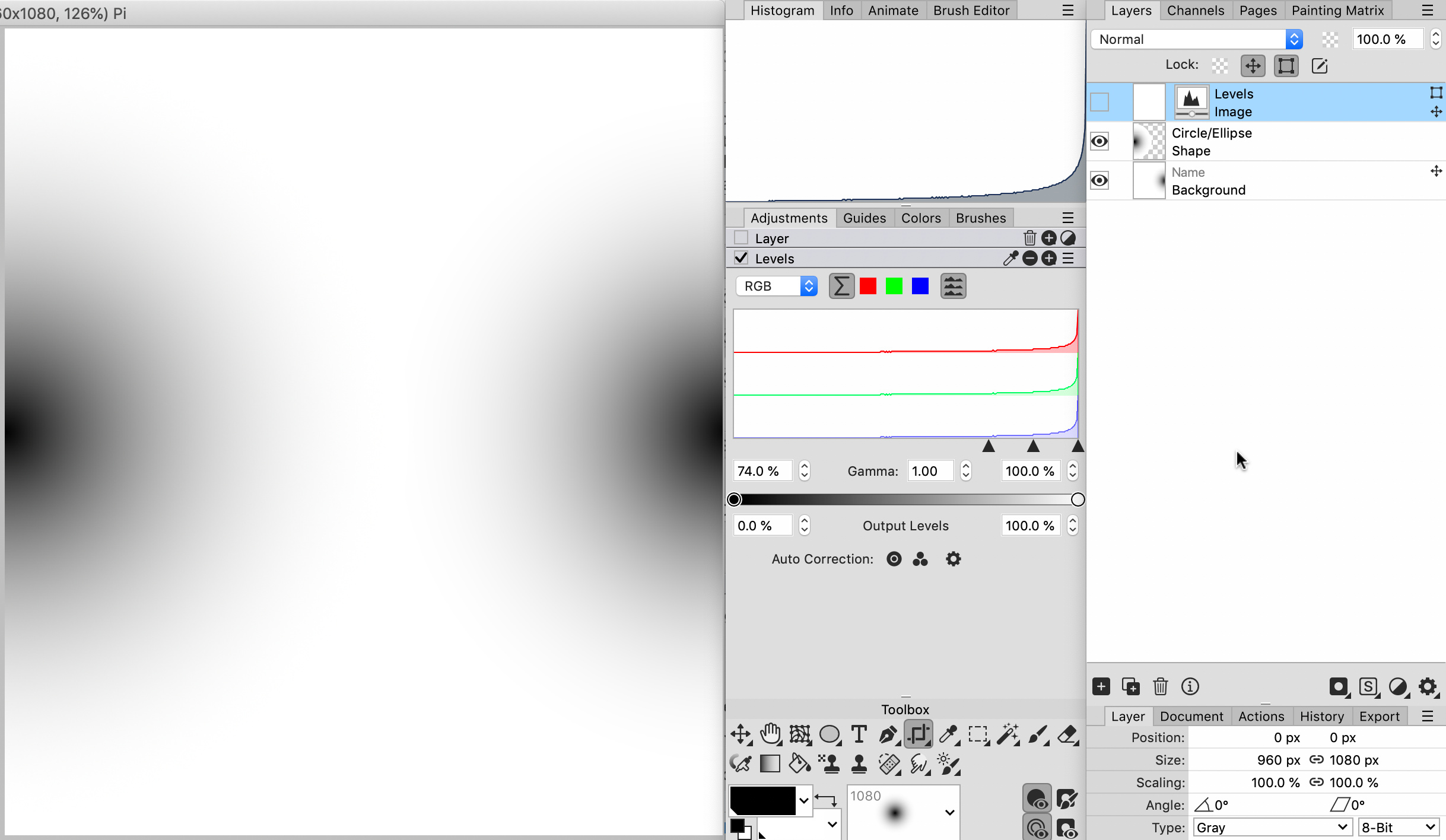
Vivi_Ram hat geschrieben: So 05 Jan 2025 14:07
+1 for these.
I noticed severe banding on layer FX. Didn't occur to me that it was because of 8-bit rendering. Kept increasing screen dpi with no change.
Be careful before you put the blame on 8-bit rendering. There may be other reasons for banding:
[1] is Anti-aliasing turned off for the document or the layer? If so, banding/rendering artefacts WILL occur when applying various layer effects. This is to be expected.
[2] is a stroke active for the vector shape? Strokes cause anti-aliasing, banding, and artefacting when used with certain layer effects. Turn off the stroke for vector shapes.
Another trick is to convert a shape with layer effects to a placeholder layer increase the canvas resolution, and upscale the shape. The return to the parent document and scale the layer down to the previous size.
This will remove/reduce slight banding and anti-aliasing issues, and also improve the details such as bevel effects. It also allows for smoothing the effects a notch in the placeholder version to remove subtle banding, which become invisible in the parent's document scaled-down version.
I almost always use this trick if I need the best quality effect in PhotoLine.
Here is a comparison (top one without anti-aliasing, second one with anti-aliasing, third one placed as a placeholder layer and scaled down):
test01.jpg
There are still issues, of course, with that third version. Anti-aliasing isn't the greatest here and there, and there is a small bug in the anti-aliasing rendering of the pillow effect.
But if anyone thinks that the grass is greener on the other side:
test02.jpg
The top one is Photoshop. Photoshop doesn't render layer effects at full 16bit - I tested this a few years ago, and as far as I could tell these are rendered at 13-bit, or max 4096 shades per channel.
Photoshop always has had serious issues with smoothing out those aliased steps. Also becomes rather apparent when bevels are used on type - something I notice sometimes in print adverts and billboards. It just looks horrendous. Once seen, it cannot be unseen

But what about the second version? That is Affinity when the user decides to use a custom curve to control the bevel. It's a different type of banding cause by the 'mesh' that is generated by the code.
This has been an issue since the very first release. Users have pointed it out, but Affinity's devs never really listened to complaints, so... It is still a critical issue.
Anyway, back to PhotoLine's layer effects. My opinion:
[1] I completely agree that the user should be allowed to use (much) larger numbers in the parameters.
[2] At higher resolutions (such as 8K images) layer effects stop working in PhotoLine. I would rather have the option that PhotoLine will warn the user about the slow rendering and that the action to apply a layer effect in a high resolution layer/document requires a manual confirmation and a progress bar is displayed while the effect is rendering. Give us a choice.
And we should all realize that these layer effects basically fake actual lighting, shadows, and so on. I have never seen these work perfectly in any 2D design application.
If REAL render quality is required switch to 3D. Here is Blender with its real-time viewport that updates smoothly while making adjustments.
test03.jpg
(this last image changes colours dramatically when I uploaded it here - way too dark and desaturated)
Du hast keine ausreichende Berechtigung, um die Dateianhänge dieses Beitrags anzusehen.

 Tested in 24.40b8 and up to 25.00b1:
 Layer Styles that still works in 8-bit only: