A few ways to improve selection tools
-
shijan

- Mitglied
- Beiträge: 2107
- Registriert: Mo 23 Dez 2019 13:21
- Wohnort: Ukraine
Re: A few ways to improve selection tools
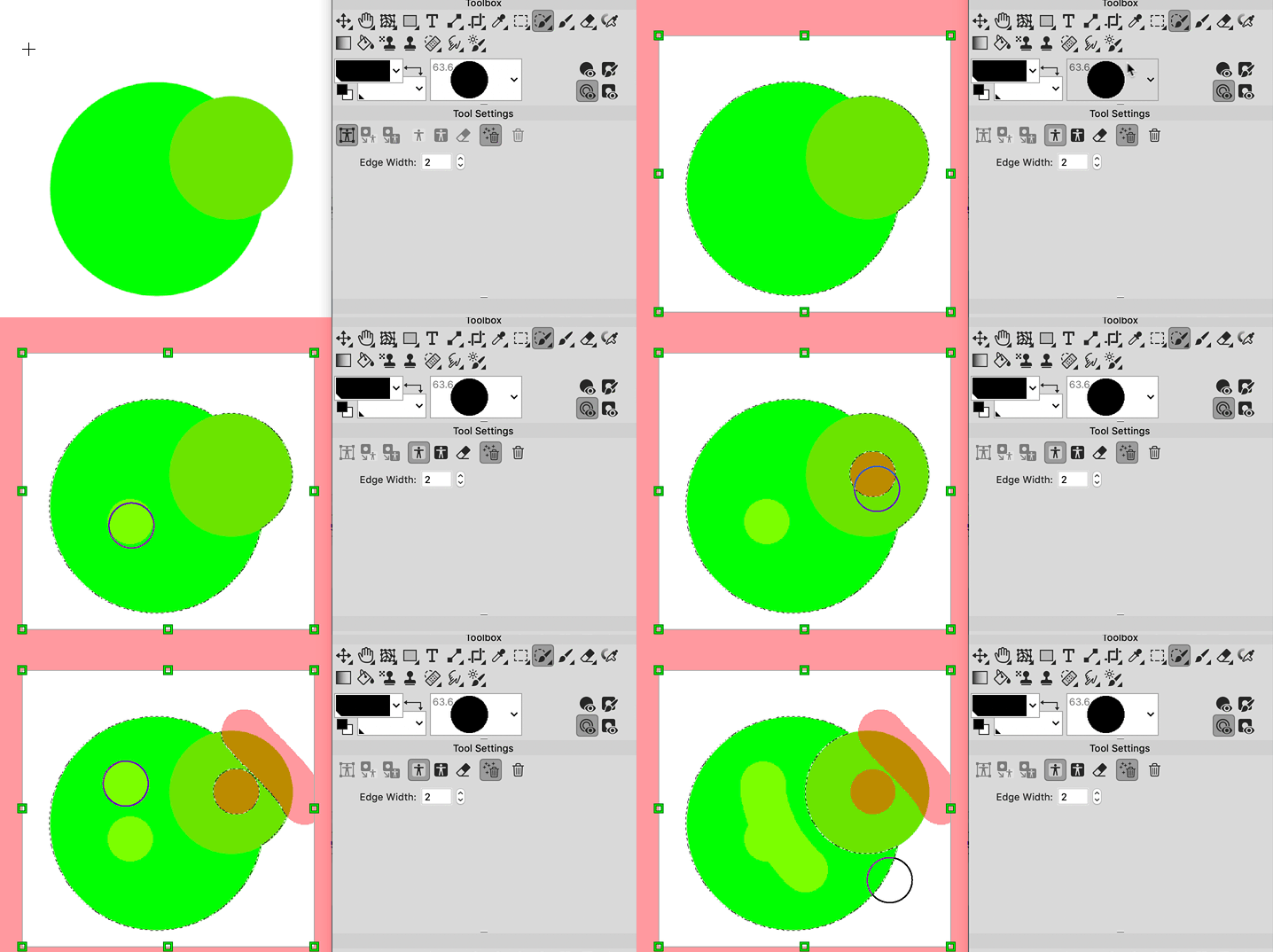
Sometimes it could be simpler to see single selection and the rest remain invisible, but from the opposite side PhotoLine method allow better control because you can see and edit both background and object areas. Useful in more complex situations when object color is close to background color, or when you need to define some specific shade of near same color.
PhotoLine UI Icons Customization Project: https://www.pl32.com/forum3/viewtopic.php?f=3&t=6302
-
shijan
- Mitglied
- Beiträge: 2107
- Registriert: Mo 23 Dez 2019 13:21
- Wohnort: Ukraine
Re: A few ways to improve selection tools
Also i guess it is detects simply by color and contrast. It is not AI based tool. It don't "see" objects, like this is flower - so i will try to create selection of the flower. Real improvement for selection tools could be smarter AI-based detection option.
PhotoLine UI Icons Customization Project: https://www.pl32.com/forum3/viewtopic.php?f=3&t=6302
-
shijan
- Mitglied
- Beiträge: 2107
- Registriert: Mo 23 Dez 2019 13:21
- Wohnort: Ukraine
Re: A few ways to improve selection tools
Also to simplify this, it could be an option to hide all those colored overlays and keep visible only lasso. In this case user could better concentrate on object.
 Maybe just allow to use Show Layer Handles button and hotkey to hide/show Quick selection Object/Background overlay colors and Define Bounds rectangle?
Du hast keine ausreichende Berechtigung, um die Dateianhänge dieses Beitrags anzusehen.
PhotoLine UI Icons Customization Project: https://www.pl32.com/forum3/viewtopic.php?f=3&t=6302
-
Vivi_Ram
- Mitglied
- Beiträge: 488
- Registriert: Sa 28 Sep 2024 15:04
Re: A few ways to improve selection tools
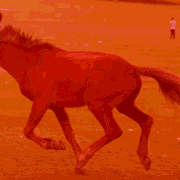
Yes, I am not suggesting that Quick Selection is not useful. It is actually very useful. A selection brush is also not AI-based, but manual selection based on edge pixel values. However, when you know what you're about to select it is far faster. Also, Affinity allows you to apply colour overlays, just like PL. So, the flexibility exists there too.
-
Vivi_Ram
- Mitglied
- Beiträge: 488
- Registriert: Sa 28 Sep 2024 15:04
Re: A few ways to improve selection tools
While we're on the topic of selections, a massive improvement would be the brush history saved to layers - it is one of the handiest and most useful features I know if in Affinity.
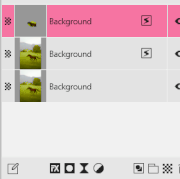
What it does is basically save the brush settings along with the layer in the same sequence in which it was used. It means you don't have to guess which brushes you used. All the brush settings are saved too.
What it does is basically save the brush settings along with the layer in the same sequence in which it was used. It means you don't have to guess which brushes you used. All the brush settings are saved too.
-
Vivi_Ram
- Mitglied
- Beiträge: 488
- Registriert: Sa 28 Sep 2024 15:04
Re: A few ways to improve selection tools
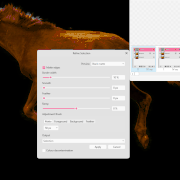
This is live border matting.