shijan hat geschrieben: Mo 19 Okt 2026 12:55
I just can't imagine what is the practical real life sense of this.
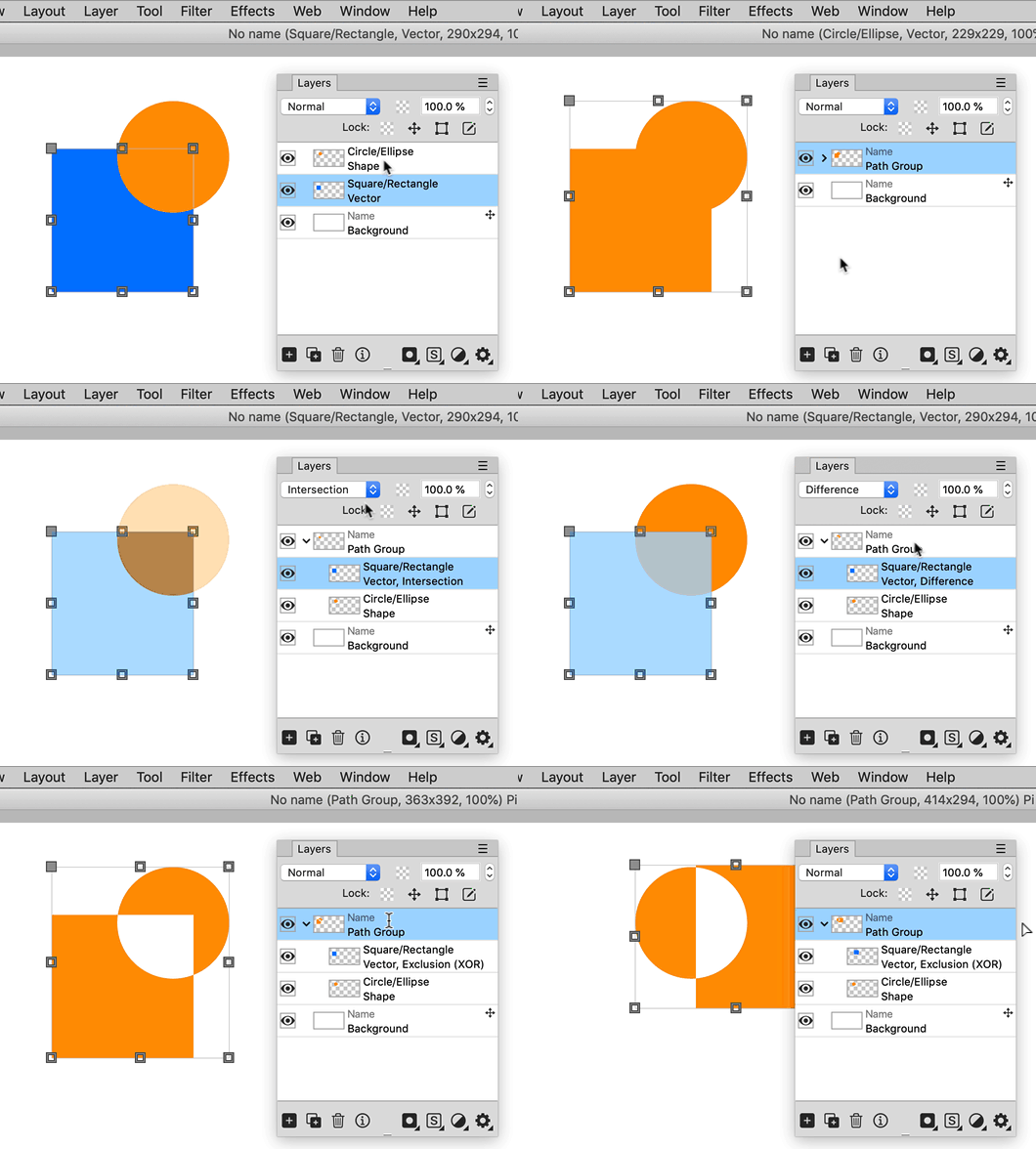
Why use marquees and lassos which are temporary tools which can't be saved and disappear once you click outside them, when you simply could use any vector object shape which will remain visible as layer until you delete it manually?
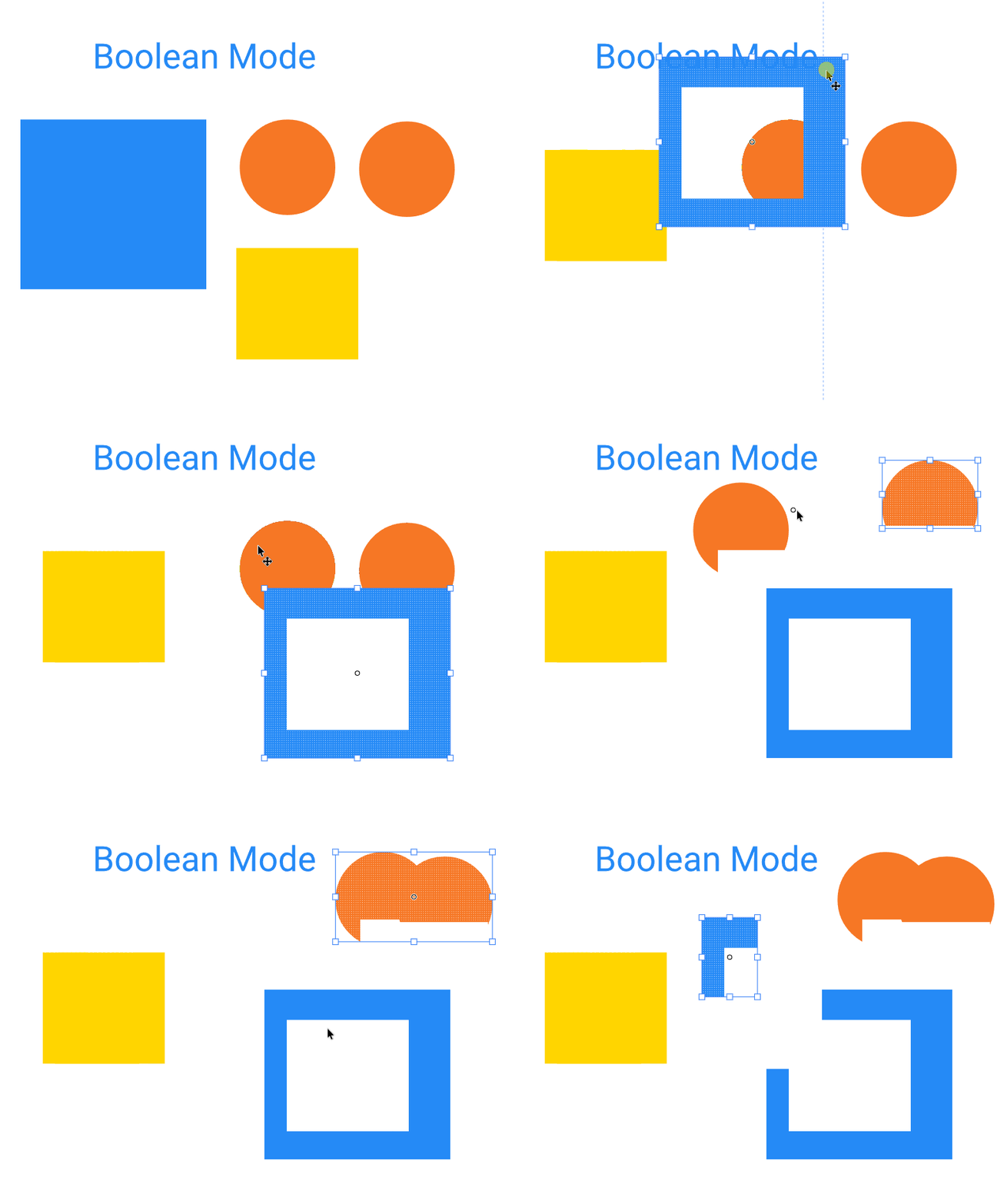
It is useful when you want to work rapidly and just get your idea on paper. When you don't want to go back and forth between drop downs and layers panels. Almost all other Vector software has some version of this. In Irritator, Inkscape and Affinity, you have Shape Builder - which is non-destructive. Ideally, PL could implement this. But I reckon it might involve effort. Boolean mode is essentially a simplified, on-screen, direct manipulation version of Shape Builder. That's the usefulness of it. Marquees and lassos allow you to cut out portions of the vector without creating vector objects that you then have to clean up afterwards - like you would in Shape Builder. So it is actually far more efficient. Ideally, it would be possible to do with freehand lasso when you can simply use the pen and cut out shapes. In other programs, you have the vector eraser, which allows you to do this, too. So the boolean mode replaces two different types of tools - Shape Builder and Vector Eraser. And the reason I recommend it is because PL does not need to introduce any new tool. It already has the logic built in.
Finally, boolean operations are sequential. That is, you cannot perform a merge, a cut and fragment all at the same time. In boolean mode, you can. Simply drop the shape on top of each other, drag a lasso within those shapes or over those shapes, and done! Finally, you can use boolean mode on both outlines, filled shapes, or mix of two without the outlines getting filled in. You can use the lasso to cut out specific portions of an outline. Impossible in boolean logic alone.